VirtualBox Utilities and Settings
Guest Additions install and removal for the main Linux distros
VirtualBox Utilities and Settings
This guide focuses on installing and removing VirtualBox Guest Additions on common Linux distributions, with the packages and commands you actually need.
VirtualBox Guest Additions
How to Install VirtualBox Guest Additions on Linux
Installing VirtualBox Guest Additions on a Linux VM enables support for adaptive display scaling, drag-and-drop file transfer, and clipboard sharing.
On Ubuntu and Debian
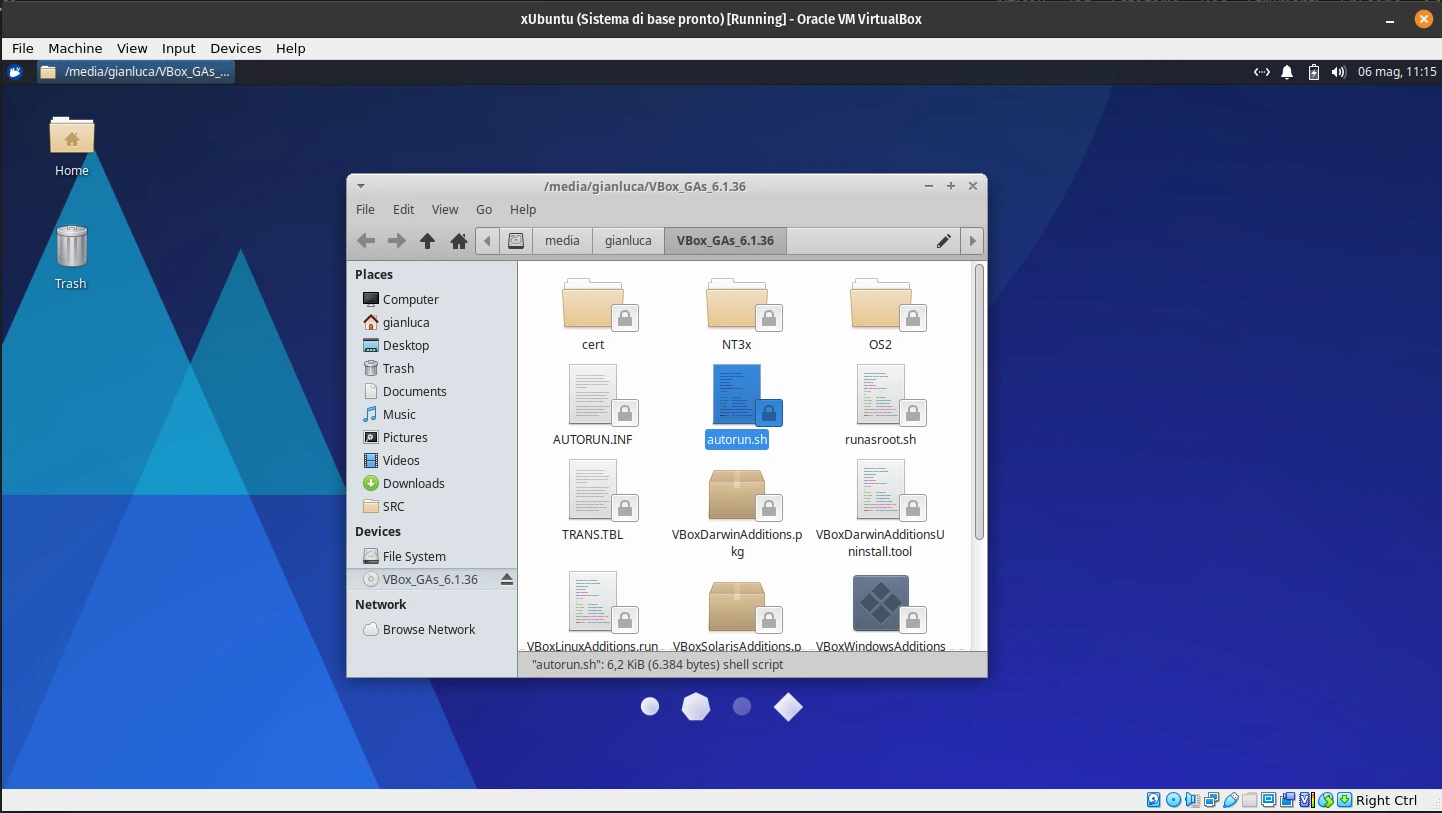
Start the VM and wait for the desktop to load. From the VirtualBox menu, select Devices > Insert Guest Additions CD image. Then run:
|
|
Reboot the VM once the installation completes.
On Arch-Based Distros
To install VirtualBox Guest Additions on Arch Linux and Manjaro, type:
|
|
Finish by restarting the virtual machine.
On Fedora, CentOS, and RHEL
Start the VM and insert the Guest Additions CD image from Devices. Then run:
|
|
Restart the VM after the installation completes.
How to Uninstall VirtualBox Guest Additions on Linux
On Ubuntu and Debian
To uninstall Guest Additions on Ubuntu and Debian, type:
|
|
After the process is complete, restart the virtual machine and verify the changes.
On Arch Linux and Manjaro
To uninstall VirtualBox Guest Additions on Arch-based distributions like Manjaro, type:
|
|
On Fedora and Other RPM-Based Distros
To remove VirtualBox Guest Additions on Fedora, type:
|
|
If you manually installed Guest Additions, run the uninstallation script by typing:
|
|
Finally, restart the virtual machine to verify if the changes persist.