Pop!_OS Flameshot: Complete Guide to Advanced Screenshots Flameshot is the most powerful and versatile screenshot tool available on Linux, offering advanced editing, annotation, and automation features that go far beyond the default tools. This guide walks you from an optimized Pop!_OS installation to professional screenshot workflows.
In this article Complete installation: All methods (APT, Flatpak, Snap, build) Advanced configuration: Custom keyboard shortcuts and system tweaks Professional editing: Full annotation and editing toolset Workflow automation: Scripts and integrations with other tools Multi-monitor setup: Optimal configuration for multiple displays Performance tuning: Optimizations for System76 hardware Troubleshooting: Common issues and debugging Alternatives and integrations: Comparison with other tools and the ecosystem Table of Contents 🚀 Part I - Setup and Installation Introduction and Flameshot Overview Installation on Pop!
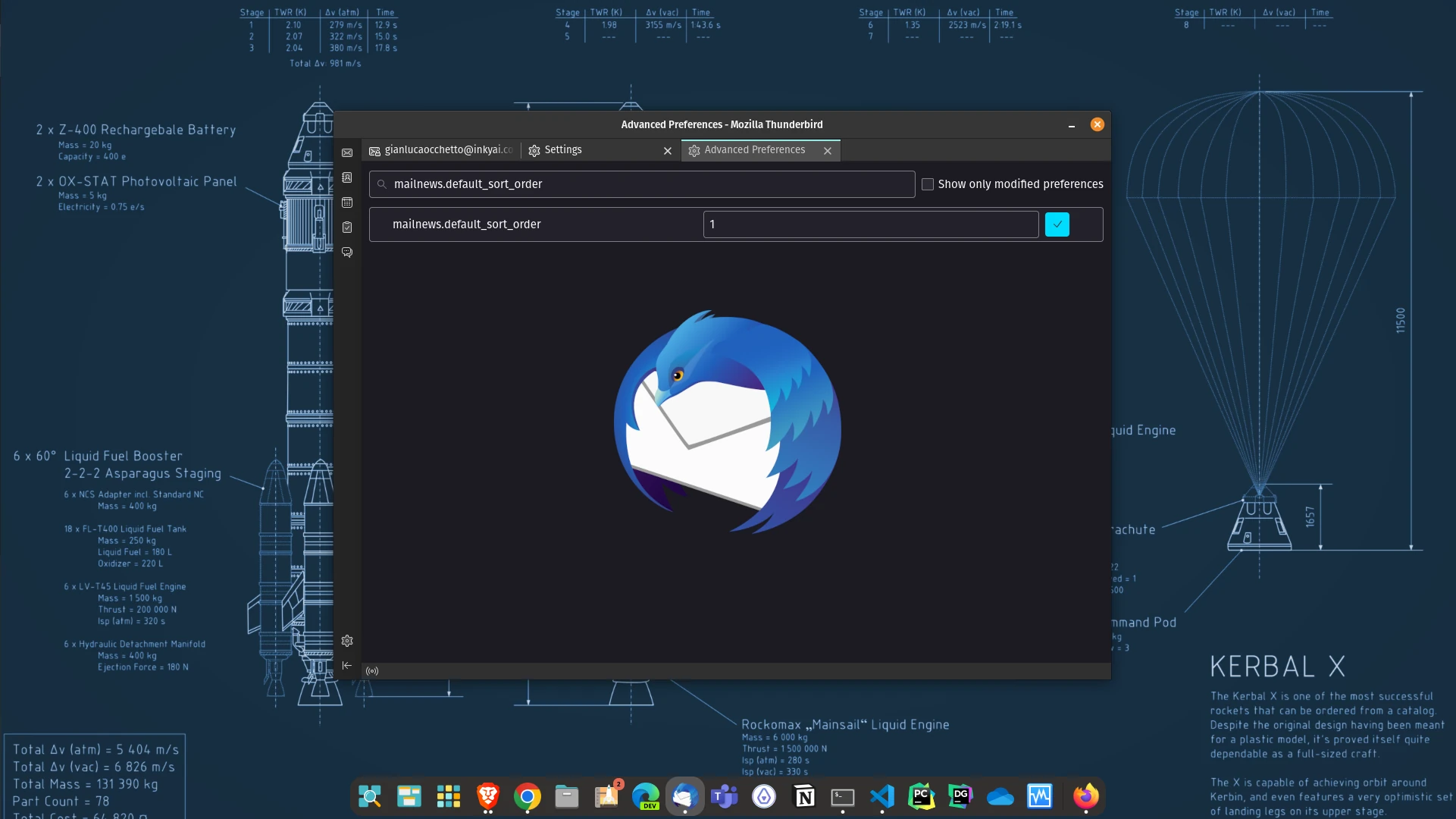
Thunderbird: Default Email Sorting This guide shows how to set Thunderbird to sort by date, show newest emails first, and enable threaded view.
In this article Default sorting by date Descending order for newest-first Threaded view configuration Mozilla Thunderbird is a free, open-source email client with a configurable interface. Here we focus on changing the default sort order so the newest messages appear on top.
VirtualBox Utilities and Settings This guide focuses on installing and removing VirtualBox Guest Additions on common Linux distributions, with the packages and commands you actually need.
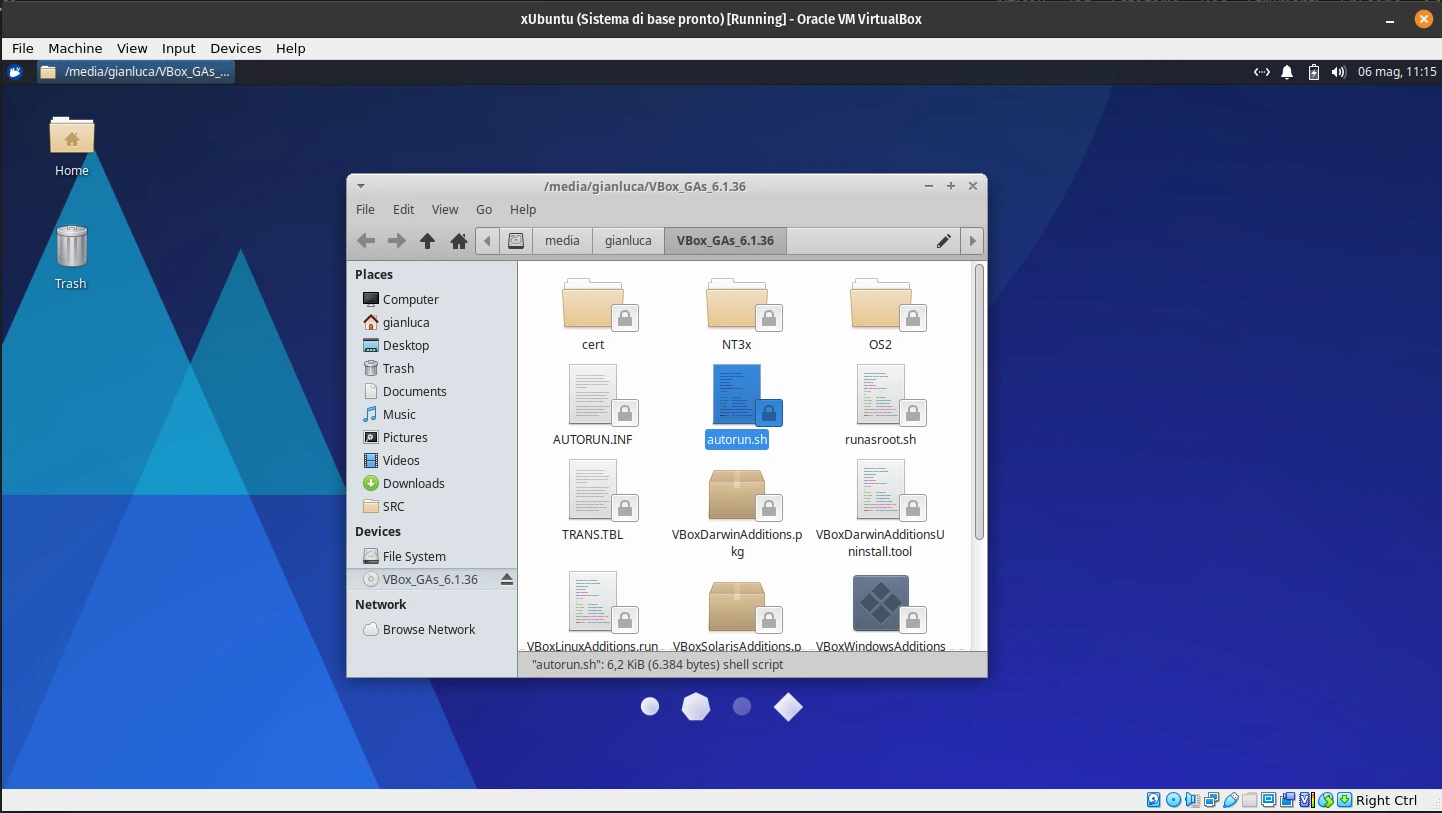
VirtualBox Guest Additions How to Install VirtualBox Guest Additions on Linux Installing VirtualBox Guest Additions on a Linux VM enables support for adaptive display scaling, drag-and-drop file transfer, and clipboard sharing.
On Ubuntu and Debian Start the VM and wait for the desktop to load.